WO
Work orders
Create, import, assign, prioritize, complete, and review maintenance work from a compact operational list.
SPARK CMMS gives maintenance teams a clean place for work orders, assets, preventive maintenance, inventory, imports, and operator checklists. The free version is available while SPARK grows with early customer teams, with AI, Knowledge Base, advanced reports, and Android mobile support coming soon. Multi-site management is available as an add-on for teams that need more than one site.
SPARK is built for daily maintenance work first: quick entry, useful lists, reliable history, and enough structure to keep teams aligned.
Create, import, assign, prioritize, complete, and review maintenance work from a compact operational list.
Build repeatable PM schedules so inspections, rounds, and recurring tasks do not disappear in the week.
Track sites, buildings, areas, rooms, lines, vehicles, machines, equipment, tools, and asset history.
Track stock, serialized items, transactions, reorder context, and parts used on work orders.
Give operators repeatable pre-shift and end-of-shift checks with required responses and follow-up work.
Coming soon: keep manuals, photos, SOPs, PDFs, notes, and troubleshooting files available beside the work.
Coming soon: search maintenance history and indexed documents, review sources, and draft clearer maintenance actions.
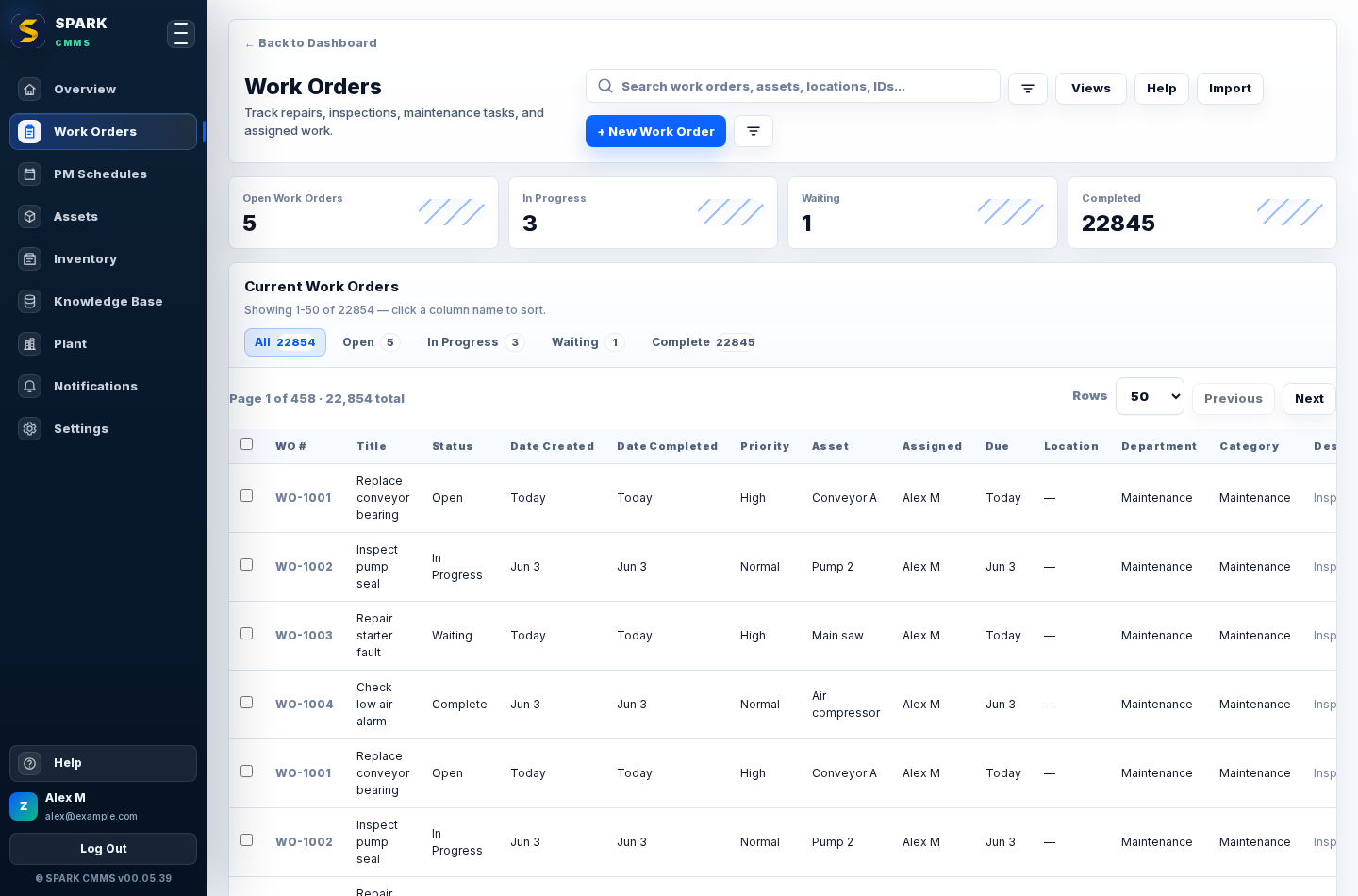
Built for scanning real maintenance queues, not oversized cards that hide the work.
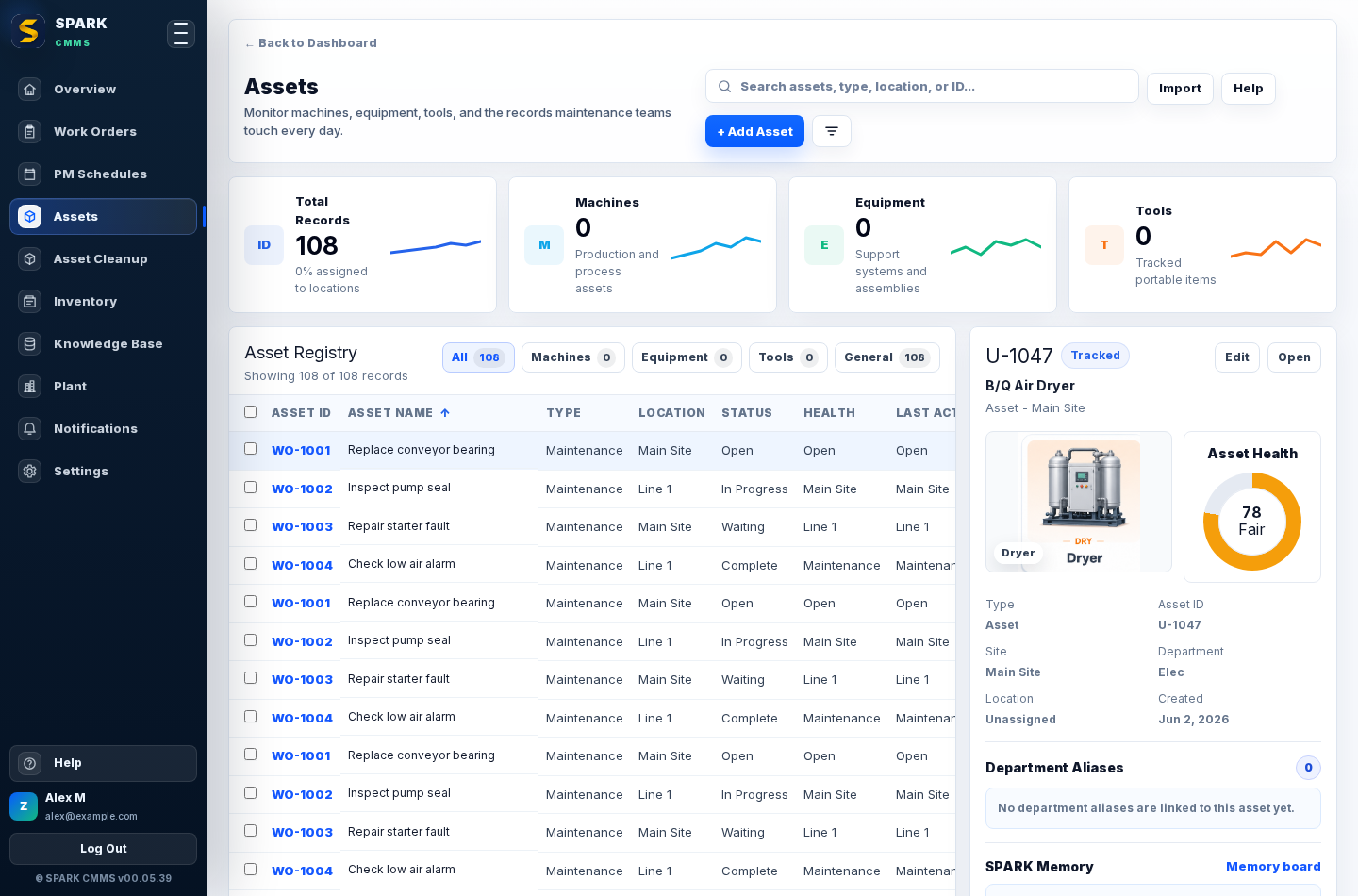
Keep equipment, departments, files, history, and cleanup work connected.
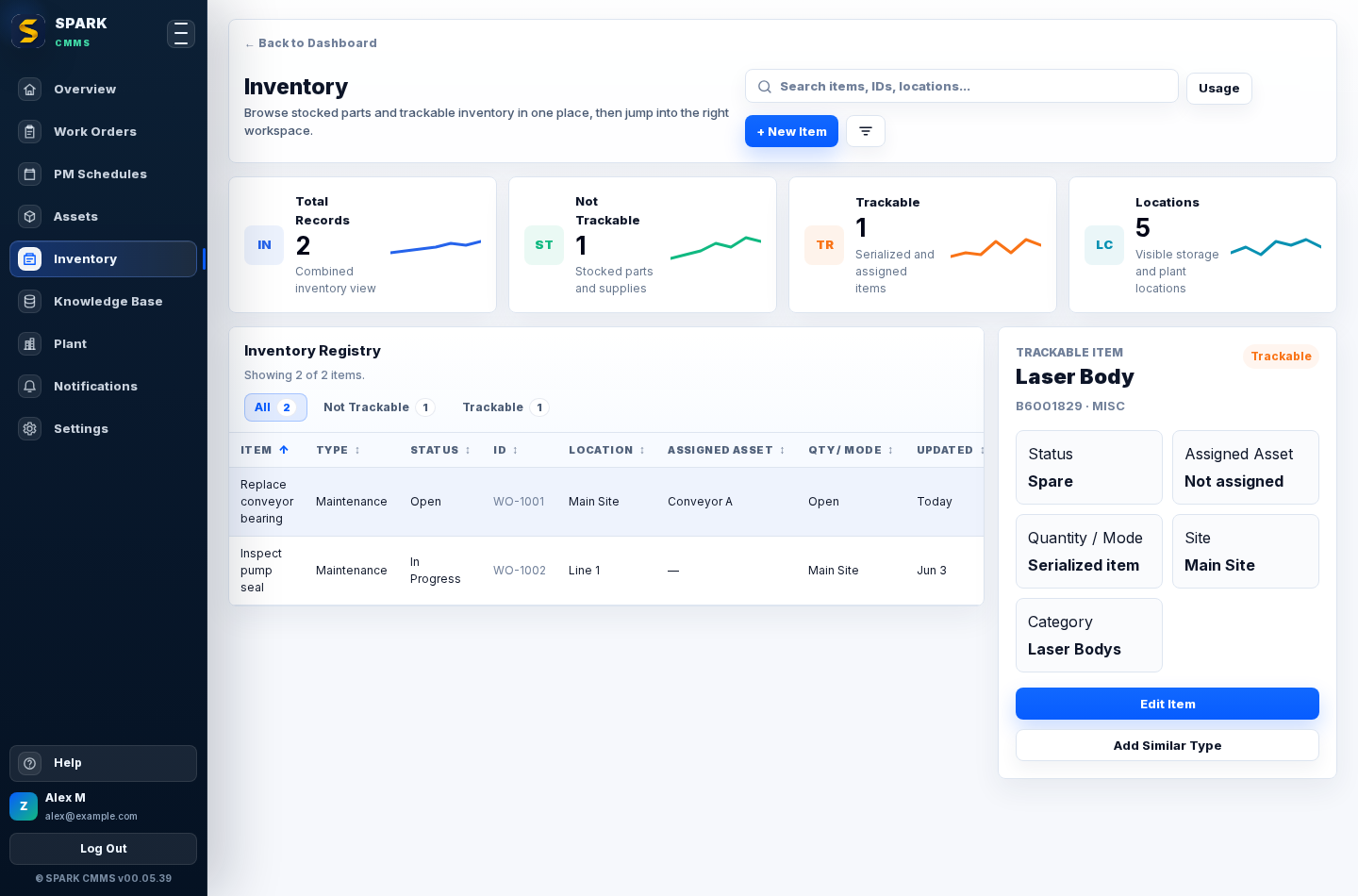
Track parts and usage without leaving the maintenance workflow.
The web app and iOS app are available now. Android is coming soon, with the same maintenance-first direction for field work, offline-friendly flows, scanning, photos, notifications, and quick updates.
SPARK is still moving quickly. The current focus is making core CMMS workflows reliable, easy to adopt, and useful with real customer data.
Log in to your workspace or contact support if you need help getting your company set up.